Testimonial Sections
Testimonial sections add social proof from your customers, from image-led quotes to before-and-after results. Mind includes 4 testimonial sections. Each one shares the universal section settings for color scheme, background, and padding.
Testimonial with image
A carousel of customer quotes, each paired with an image and an optional link.
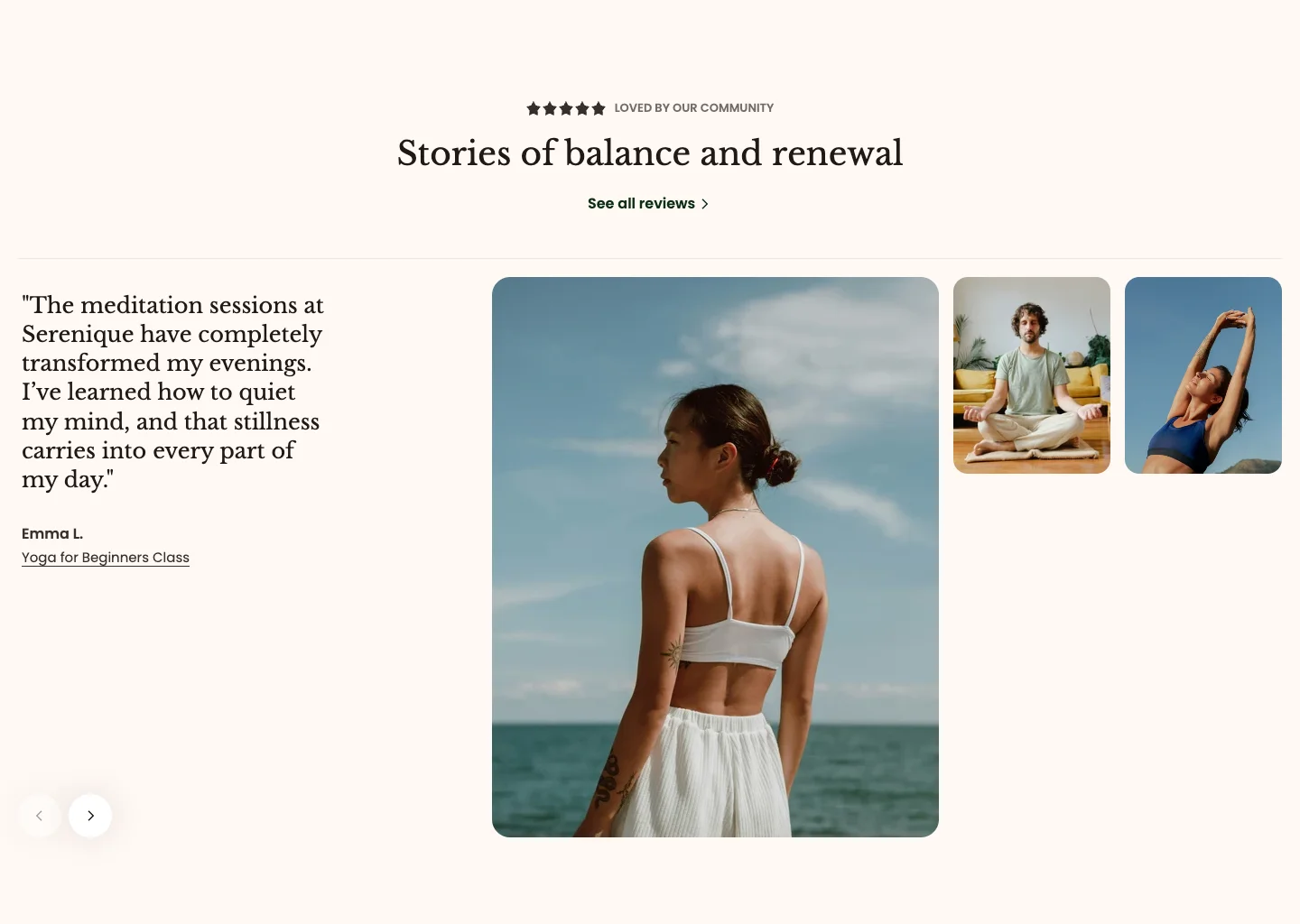
Features:
- Subheading and heading with size and animation (Global, Scroll, or Reveal)
- Button with label, link, style, and size
- Navigation color scheme for the carousel controls
- Up to 5 testimonials, each with an image, content, author, link label, and link
- Blocks: Testimonial
Testimonials grid
A grid or carousel of quote cards with avatars, names, and roles.
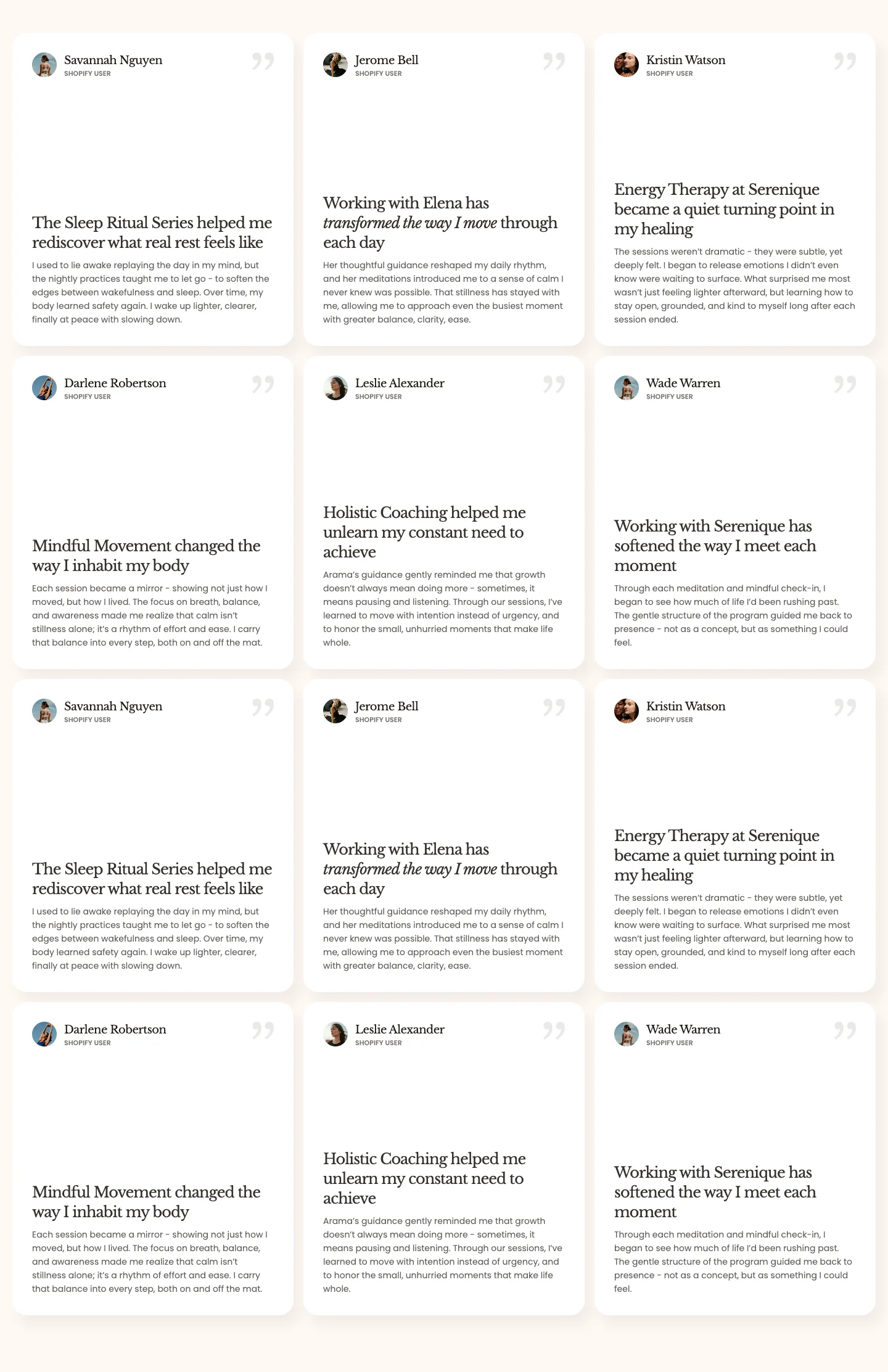
Features:
- Heading with size and animation (Global, Scroll, or Reveal)
- Grid or Carousel layout, with an option to switch to a carousel on mobile
- Columns for desktop and mobile, with global or custom gap
- Card style: Glass or Solid
- Card color scheme (or inherit the section's), background color with opacity, and corner radius
- Each testimonial has an avatar, name, role, quote heading, and quote
- Blocks: Testimonial
Testimonial comparison
A slider of client stories, each with a brand logo, a quote, and a headline stat.
section-testimonial-comparison.webp
Features:
- Style: Comparison or Boxed
- Subheading and heading with size and animation (Global, Scroll, or Reveal)
- Slider speed, autoplay with custom interval, and loop
- Show navigation, with icon color and background color with opacity
- Each testimonial has an image, brand logo, quote, author, and position
- Stat number, text after the number, and stat text per testimonial
- Blocks: Testimonial
Image comparison
A before-and-after image slider next to a rating, a heading, and a customer review. It appears under Testimonials in the section picker.
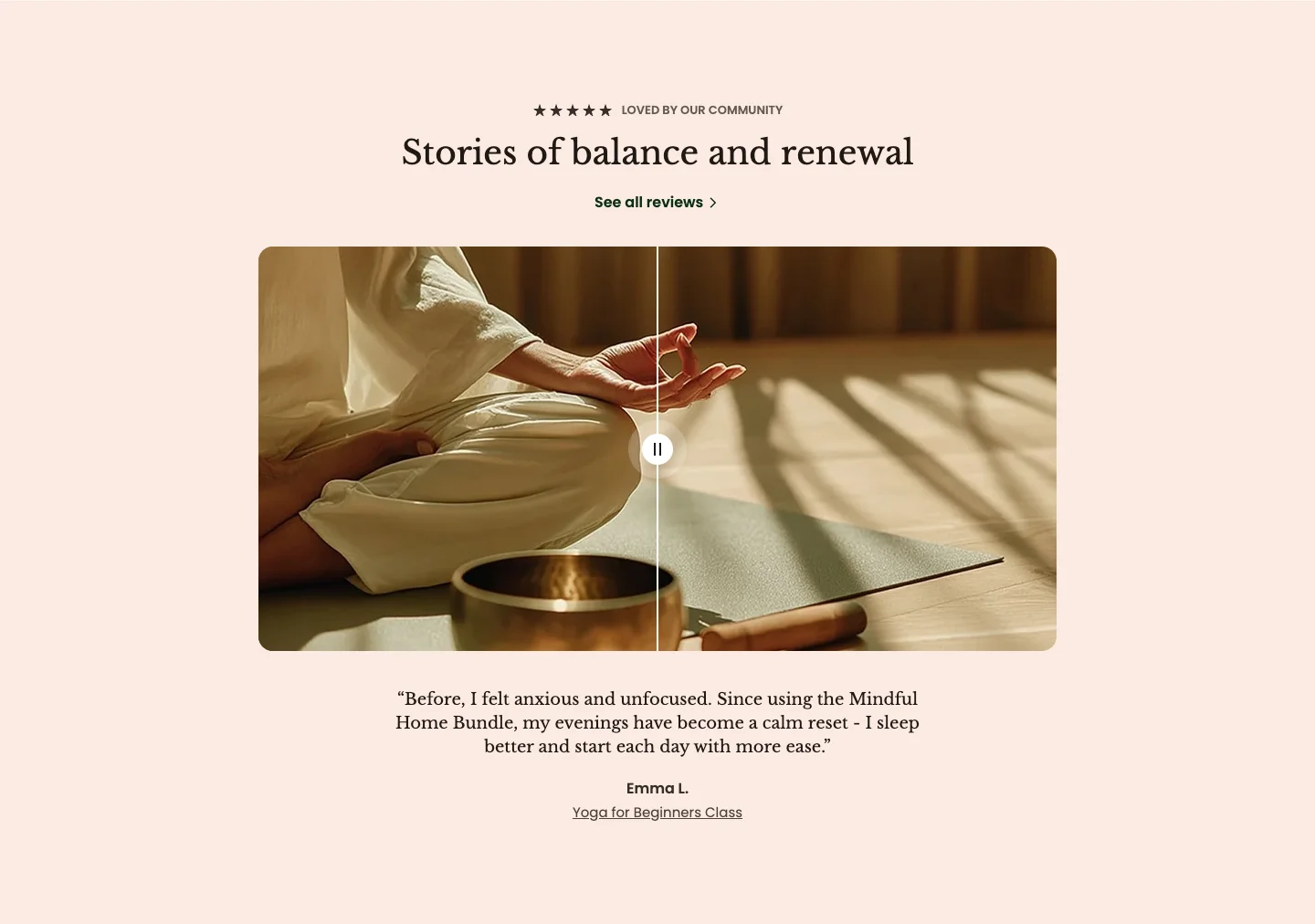
Features:
- Rating, subheading, and heading with size and animation
- Button with label, link, preset, style, and size
- Image before and image after, with aspect ratio (Auto, 3:4, 1:1, 4:3, 16:9, or Custom)
- Review text, author, and author detail
Mind also has an Image comparison theme block that you can place inside other sections. See Media blocks.
- A few featured quotes: Testimonial with image when each quote has a strong photo.
- Many reviews: Testimonials grid for a wall of short quotes with avatars.
- Client results: Testimonial comparison when each story has a number to highlight.
- Visible results: Image comparison to show a before-and-after next to a review.